01
Choose Actual Size
In the print dialog, pick “Actual Size” or 100%, not “Fit to Page”. Fitting shrinks the sheet, which shifts every label off its sticker.
Free printables
Room, box number, contents, and Fragile / This Side Up / Open First checkboxes. Print on Avery shipping labels or plain paper, and type in them before you print if you like. Free, with no email sign-up.
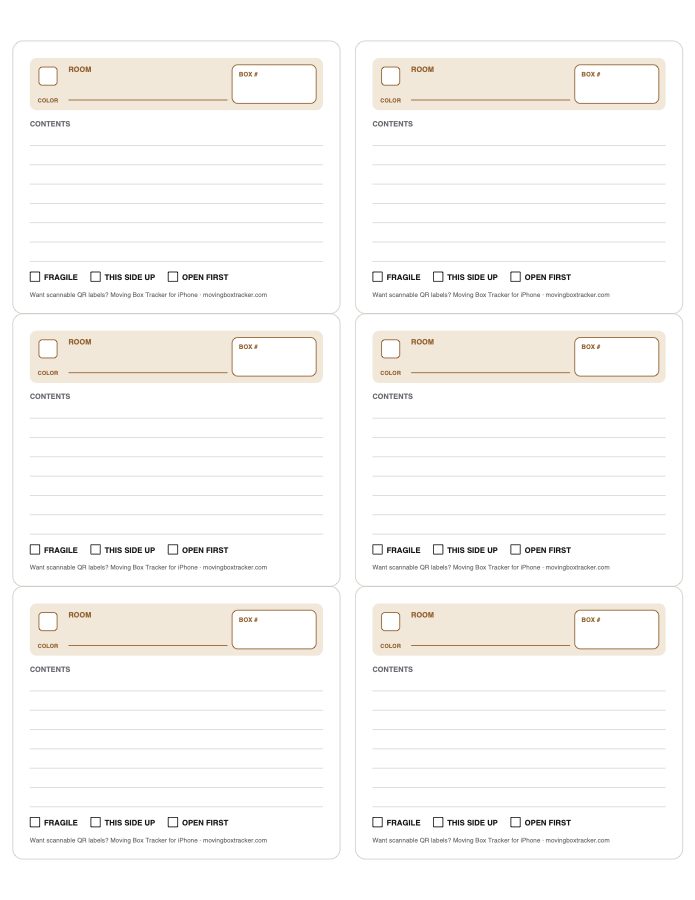
4″ × 3⅓″ stickers. Also fits Avery 8164 and compatible shipping labels.
Download PDF →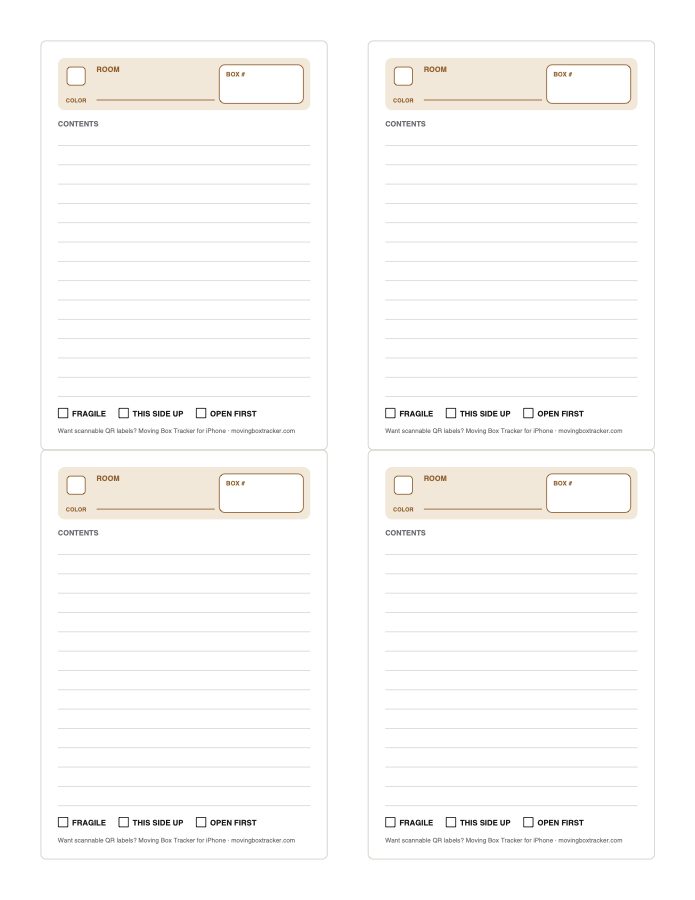
3½″ × 5″ stickers, easier to read across a room. Also fits Avery 8168.
Download PDF →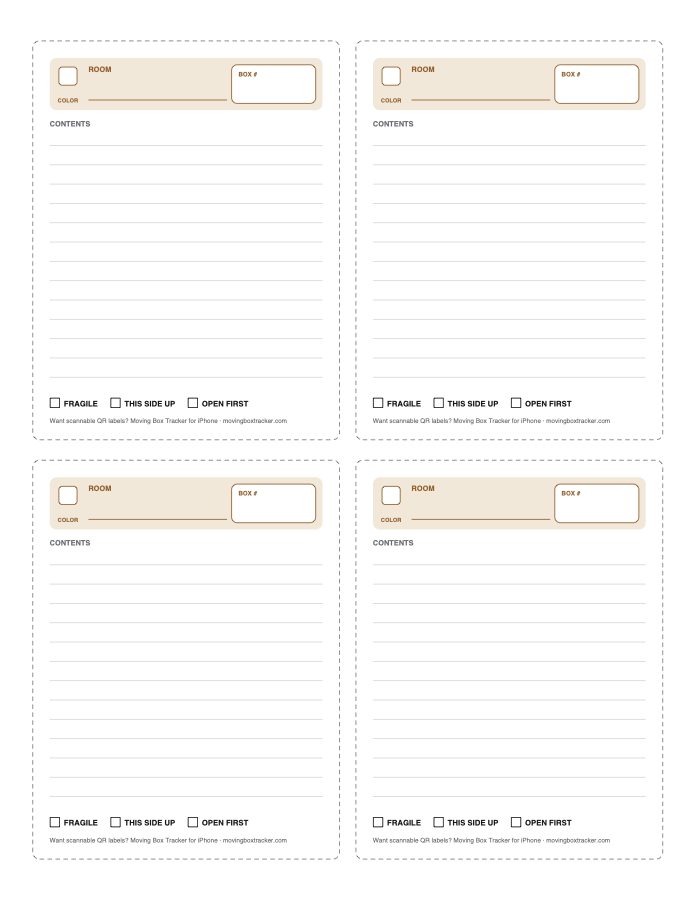
No sticker sheets needed. Four labels with cut lines on US Letter paper.
Download PDF →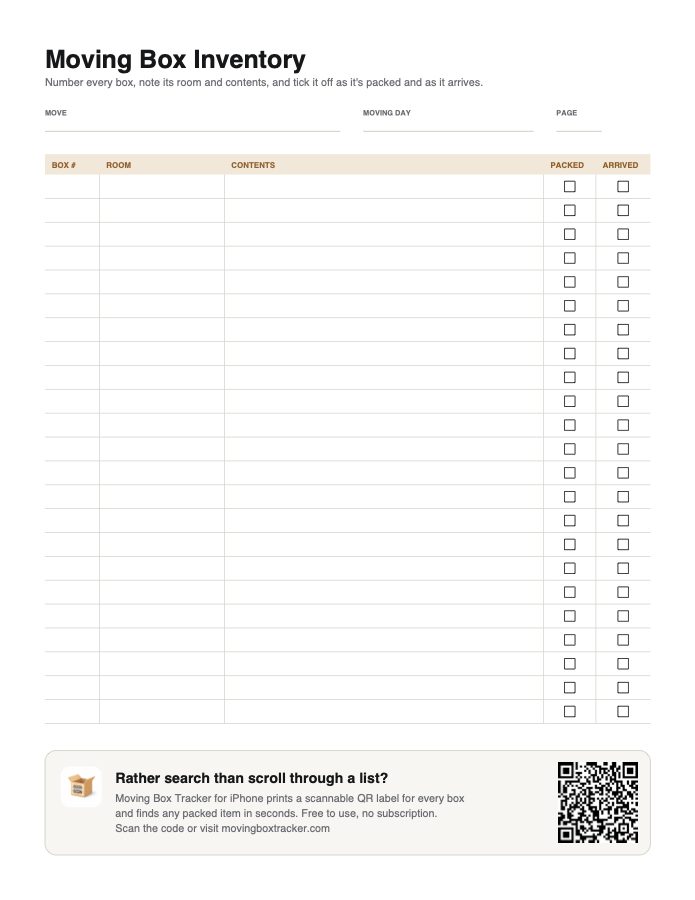
One line per box, with Packed and Arrived ticks, so you know nothing went missing on moving day.
Download PDF →A4 versions of the cut-and-tape labels and the checklist.
Which labels to buy
Label sheets are sold by product number. Any brand that lists one of these numbers as compatible will work.
| Use | Avery numbers | Label size | Per sheet |
|---|---|---|---|
| Most boxes; good value | 5164 (laser), 8164 (inkjet) | 4″ × 3⅓″ | 6 |
| Big boxes or reading from across a room | 5168 (laser), 8168 (inkjet) | 3½″ × 5″ | 4 |
| No stickers on hand | Any plain paper | Cut along the lines | 4 |
In the print dialog, pick “Actual Size” or 100%, not “Fit to Page”. Fitting shrinks the sheet, which shifts every label off its sticker.
Print one page on plain paper and hold it against a label sheet in front of a window. If the outlines match, load the stickers.
Check which side your printer prints on, and load the stickers top edge first.
How to label moving boxes
A number is easier to call out than “the kitchen one with the tape.” Keep a matching line on the inventory checklist.
Stacked boxes hide their tops. A label on a side and the top means you can read it however it's stacked.
Fill each label's color square with a marker: blue for the kitchen, green for the garage. Movers can sort by color without reading.
Skip “misc.” Write the things you'll actually need later: chargers, the coffee maker, passports.
Sheets, towels, toilet paper, tools, phone chargers, and snacks. Tick Open First so it's unpacked on night one.
Use them sparingly. If everything is marked fragile, movers stop noticing the label.
When paper isn't enough
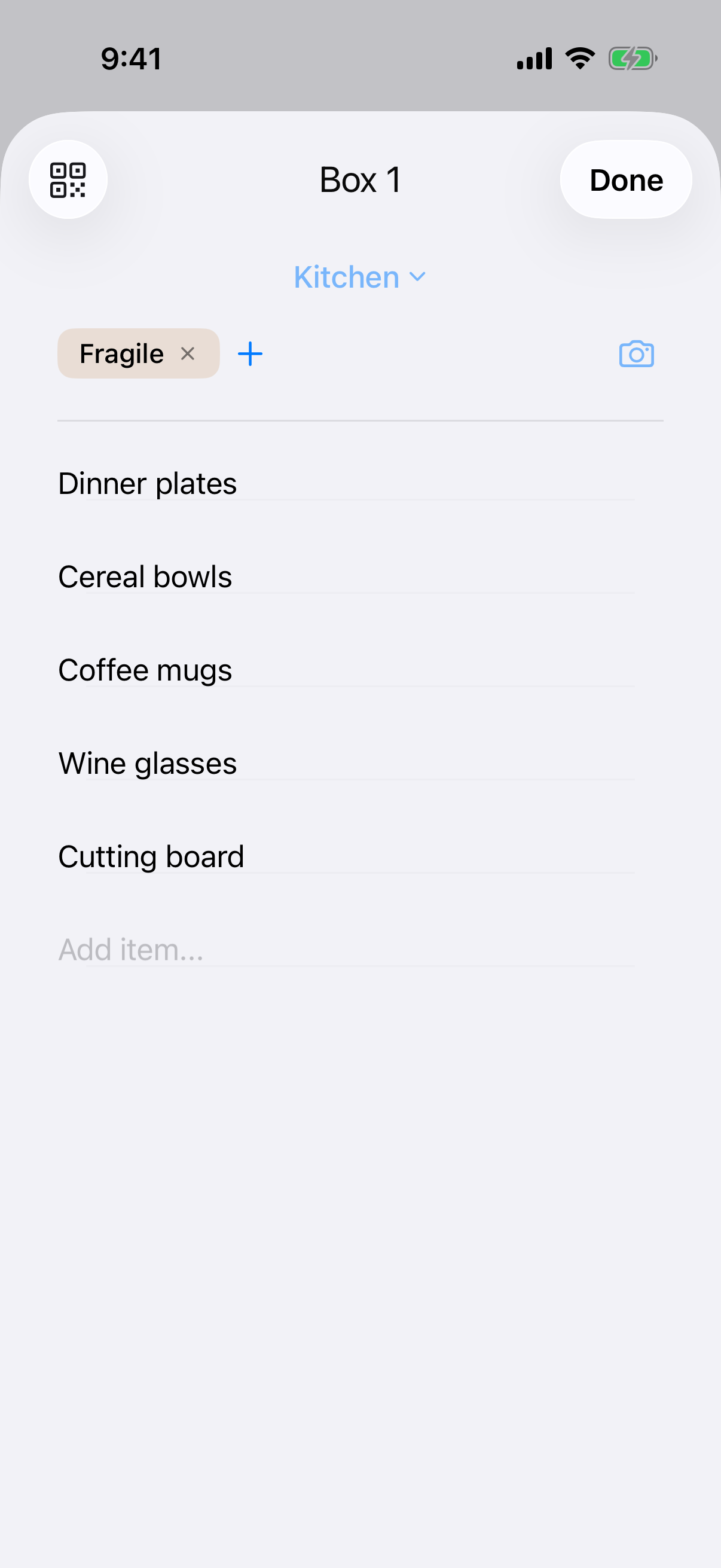
Moving Box Tracker for iPhone prints a QR label for every box. Scan it to see the contents, or search “charger” to find which box it's in. Free for unlimited boxes; a one-time upgrade adds search and unpack tracking. No subscription.

Good to know
The 6-per-sheet file fits Avery 5164 and 8164 (4″ × 3⅓″) shipping labels. The 4-per-sheet file fits Avery 5168 and 8168 (3½″ × 5″). Other brands sold as compatible with those numbers work too.
Yes. The Letter and A4 versions have dashed cut lines. Cut them out and cover the whole label with clear packing tape so it survives the move.
Yes. Every PDF is fillable. Open it in Preview, Acrobat Reader, or your browser, type the room, box number, and contents, tick any boxes, then print.
Print at Actual Size or 100% scale. “Fit to Page” shrinks the sheet slightly, which shifts each label off its sticker. Test on plain paper first and hold it against a label sheet to check the alignment.
Yes. No sign-up, no watermark. They're made by the developer of Moving Box Tracker as a free companion for people who prefer paper.